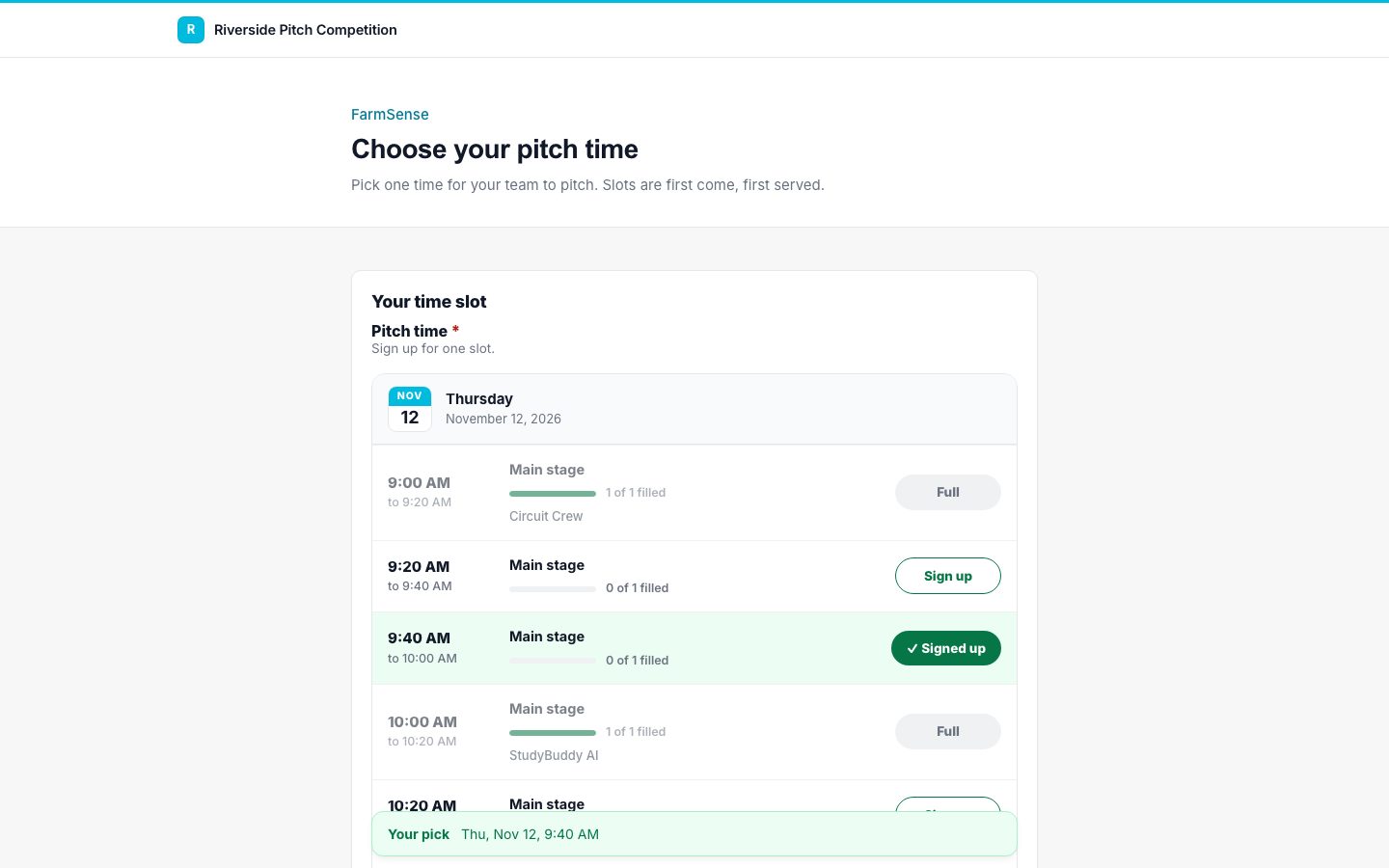
Set the days, the times, and how many teams fit in each slot. Teams pick their time from a clear sign-up sheet, and the last spot can only ever go to one of them.

Pick a day, a time range, a slot length, and spots per slot. Applicantly builds the slots.
Each booking is checked and saved in one step, so two teams can never take the last spot at once.
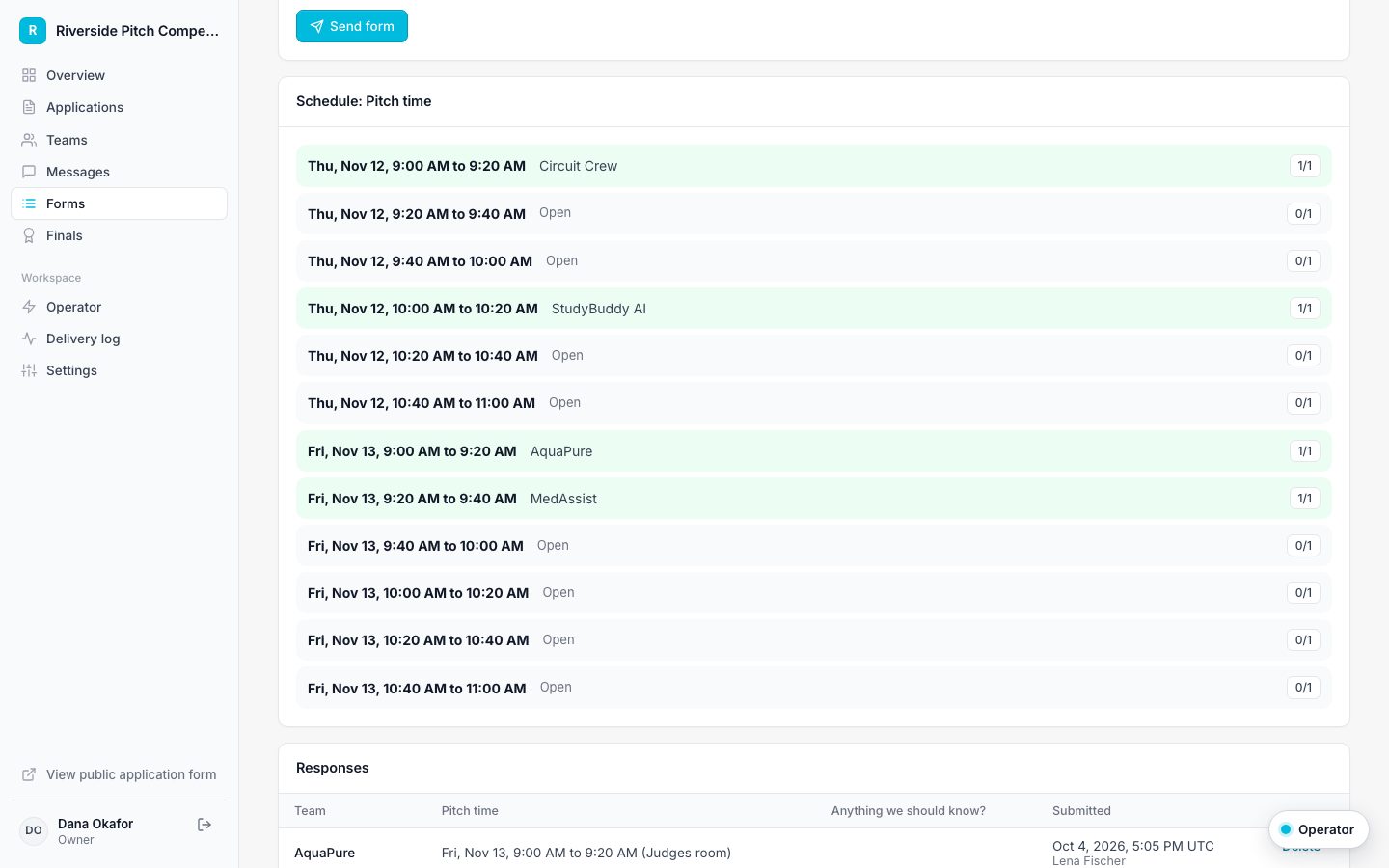
Optionally show team names on each slot, like a shared sign-up sheet.
After signing up, people download a calendar file for Google, Apple, or Outlook.
Limit each team to one slot for a pitch time, or allow several for volunteer shifts. Once someone reaches their limit, the other slots lock and a summary shows their picks.
The form page shows every slot with who holds it and how full it is, plus a responses table and CSV export for your event run sheet.

Give a batch of slots a name such as "Main stage" or "Judging room B" so teams know exactly where to go.
Yes, while the form is open and edits are allowed. Their old slot is released when they pick a new one.
They are told it just filled up and asked to pick another. If they picked several slots, none of that change is saved, so nothing is left half booked.
Yes. Set the form to send when a team moves to a stage, for example when they become finalists.
Applications are just the start. Build the RSVP, the dietary form, the parent consent, and the pitch sign-up sheet in the same drag-and-drop builder, then send them to exactly the right people.
Name the steps your program actually uses, drag them into order, and let Applicantly move teams forward and send the right forms at the right time.
Stop digging through personal inboxes. Each team has one conversation with your staff, and you can announce to every team in a stage at once.
Start with a template, make it yours, and share your application link. Free for 14 days.
Start your free trial