AI Operator
Ask instead of clicking
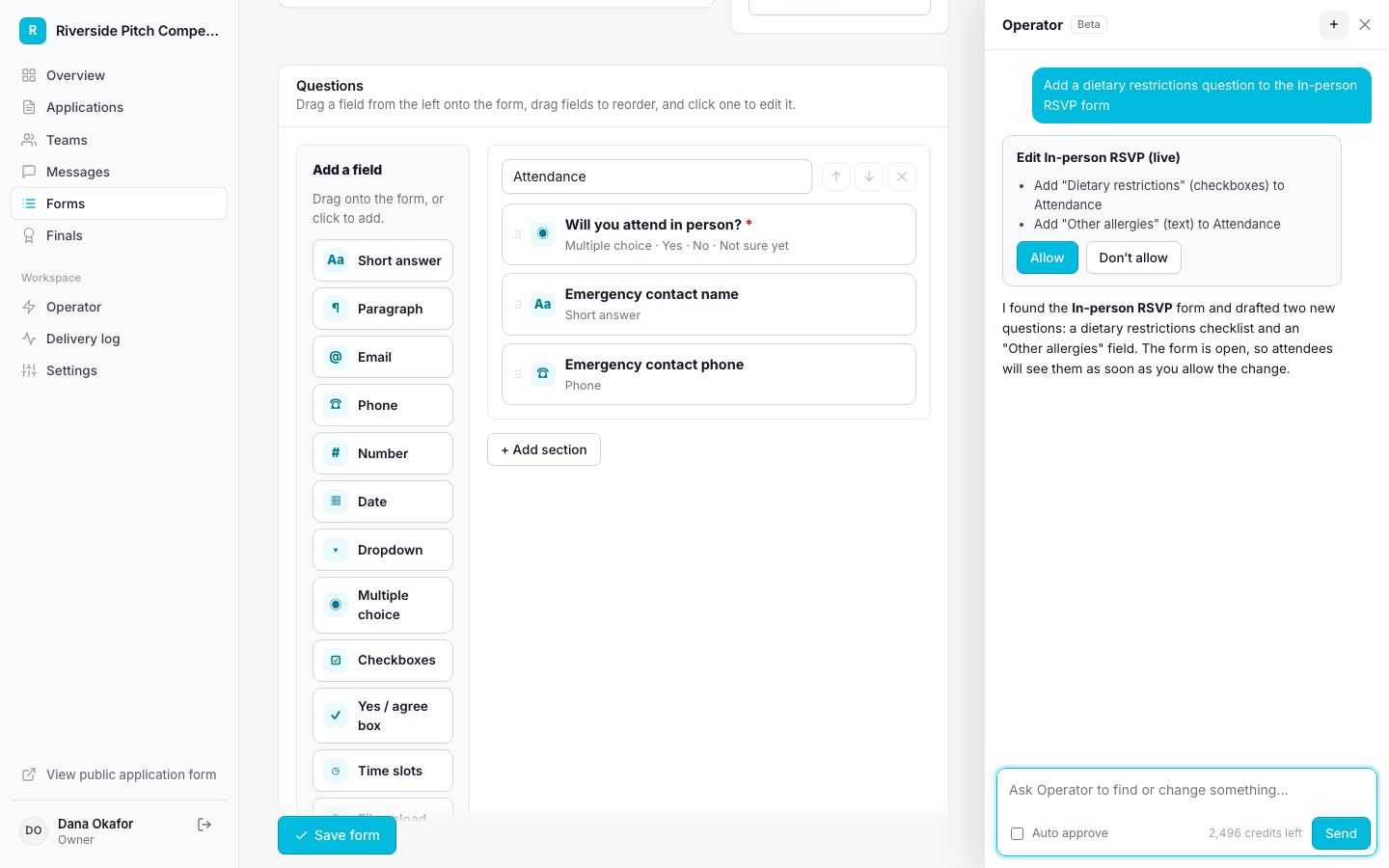
Operator, the built-in AI assistant, answers questions about your program and makes changes after you allow them. For science fairs, directors ask things like:
- "Which students are still missing parent consent?"
Collect project registrations, get parent consent online, and let projects sign up for judging windows.
What changes
Paper registration packets
Students register online by project, with category, grade, and abstract.
Missing permission slips on the morning of the fair
Parent consent is collected by link before the fair, and you can see who is still missing it.
Judging times sent one family at a time
Students pick a judging window in their category instead of waiting for an email.
A season, step by step
Start from the Team competition template, then rename anything. Your stages: Registered → Approved → Judging scheduled → Judged.
Registration
One student or a group per project, with category, grade, and an abstract.
Approval
Approving a project sends parent consent and the judging sign-up together.
Before the fair
Ask Operator which students are missing consent and message just those families.
Fair day
Judges fill out a judging form per project. Scores rank within the results.
Built for science fairs
A typed e-signature from each student's guardian, with no account needed.
Set 20-minute windows per category, with a capacity so judges are never overbooked.
Judges score on any criteria you choose, and totals average across judges.
AI Operator
Operator, the built-in AI assistant, answers questions about your program and makes changes after you allow them. For science fairs, directors ask things like:
Guardian forms go to the guardian email on file for each minor.
Pick a day, a time range, a slot length, and spots per slot. Applicantly builds the slots.
A password, a one-time link by email or text, or Google sign-in where it is turned on.
Yes. A project can be one student or a group.
Yes. Start from the sample judging form and rename the criteria to fit your fair, such as scientific thought, creativity, thoroughness, and presentation, each on a 1 to 5 scale.
Turn on project numbers and every entry gets one automatically. Judges pick the project by number on the judging link.
No. Parents get a personal link to sign.
Start with a template, make it yours, and share your application link. Free for 14 days.
Start your free trial