How to run a student pitch competition, from application to demo day
A practical, step-by-step plan for running a pitch competition: the application, review rounds, pitch scheduling, RSVPs, and parent consent for high school teams.
A pitch competition looks simple from the audience: teams walk up, present, and a winner is announced. Behind the scenes it is a season of paperwork. Here is a plan that keeps it manageable, whether you have twenty teams or two hundred.
1. Decide your stages before you open applications
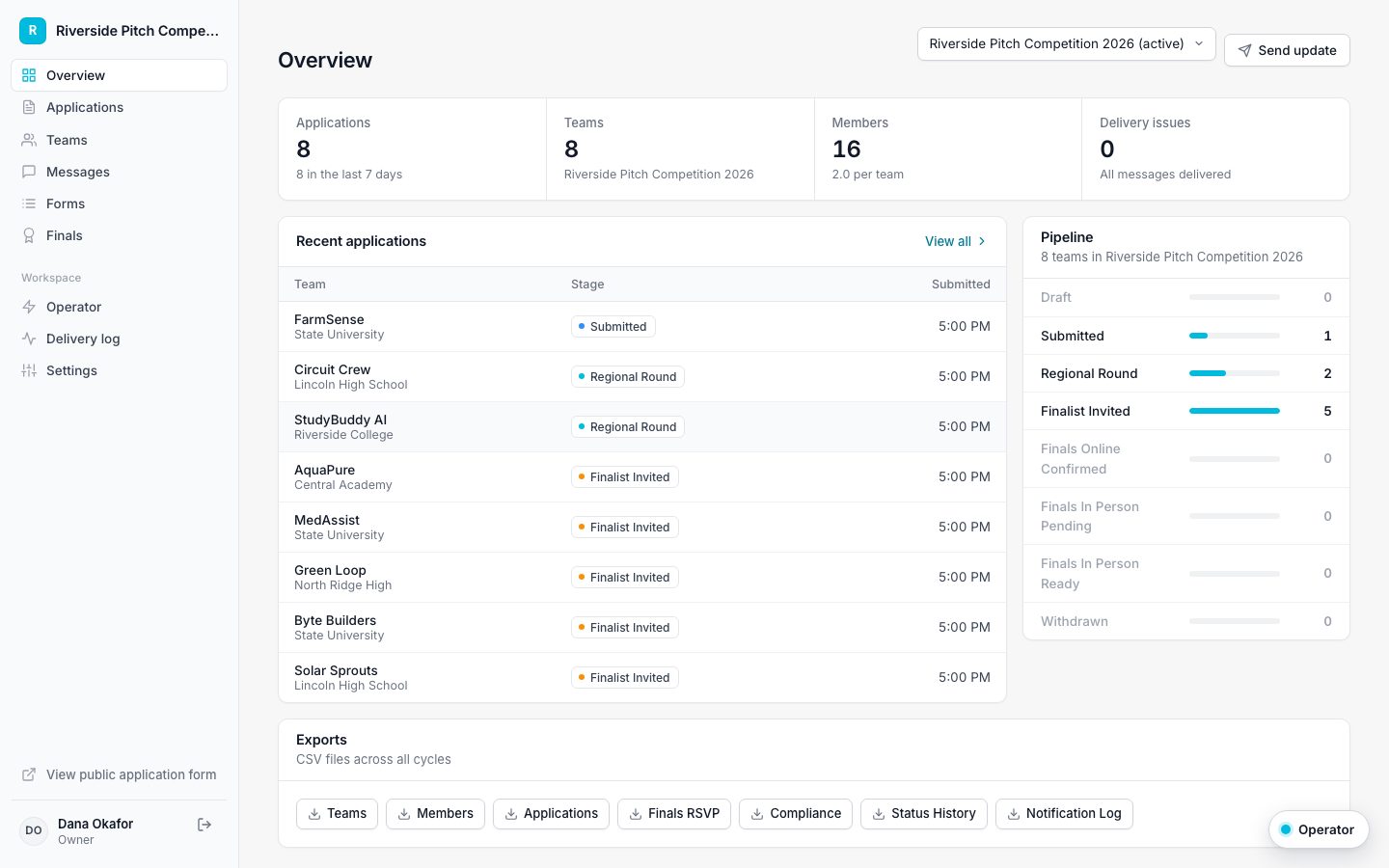
Write down every step a team moves through, in order. A common setup is Submitted, Under review, Semifinalist, Finalist, Pitch scheduled, and In person, all set, plus Withdrawn for teams that drop out. Naming the stages first makes every later decision easier: who gets which email, which form, and when.
In Applicantly you can name, reorder, add, and remove stages under Settings, Stages, and drag them into order.
2. Ask only what you need on the application
Applications get abandoned when they are long. Ask for the team lead, the members, the school and level, a short description of the idea, and a pitch deck upload. Save everything else for later forms that only finalists receive.
- Team lead name, email, and phone
- Team members, each with their own email
- School name and level (this tells you who is a minor)
- A few short questions about the idea
- An optional pitch deck upload
3. Review in rounds
Move teams through your stages as judges review them. Keep notes in one place, and message teams through a single shared thread rather than personal inboxes, so nothing is lost when staff change.
4. Let finalists book their own pitch time
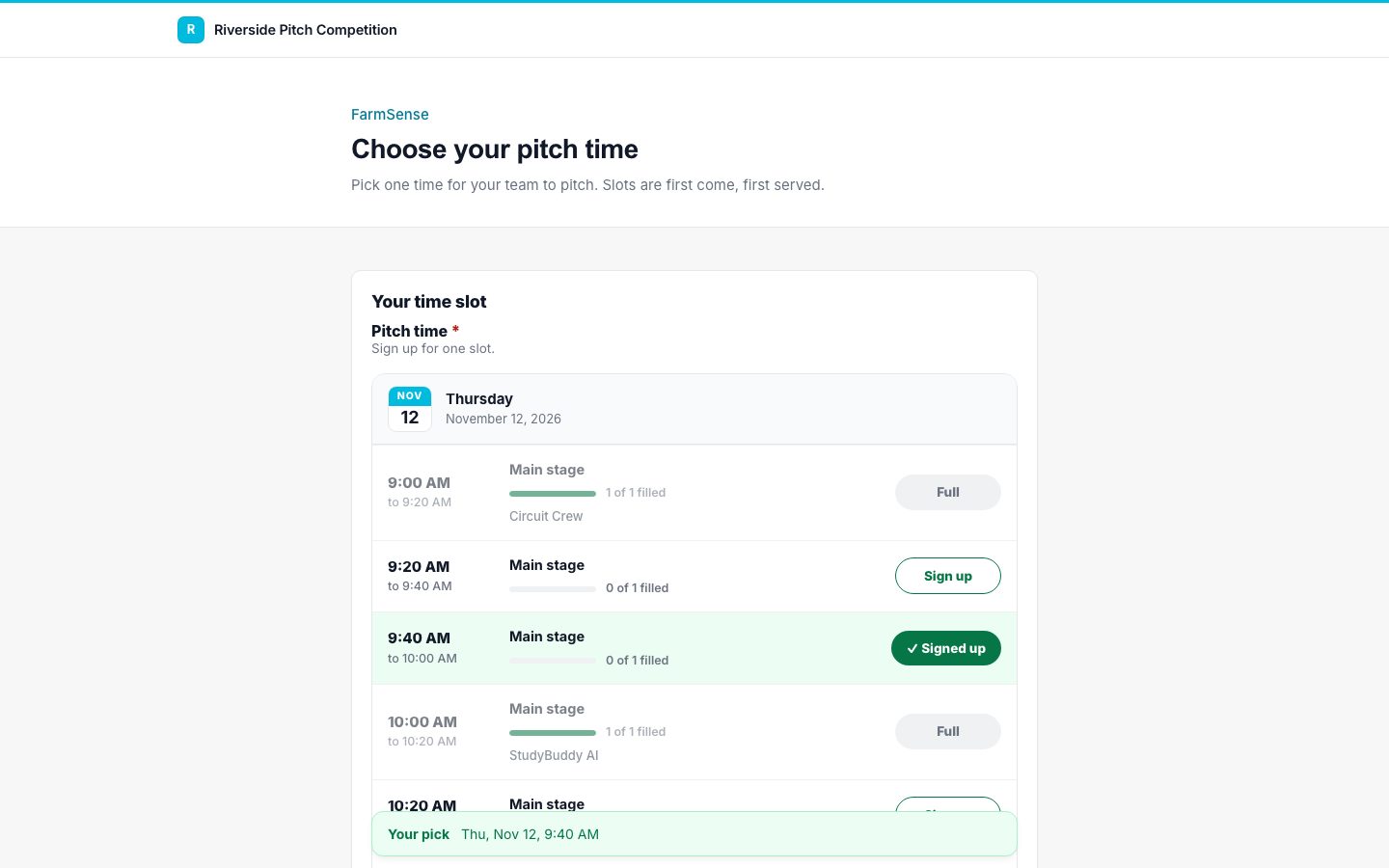
Scheduling pitch times by email takes days. A sign-up sheet takes minutes: set the days, the time range, and how many teams fit in each slot, then send it to finalists. Teams pick a time, and a slot can never be double booked.
5. Collect RSVPs, dietary needs, and consent automatically
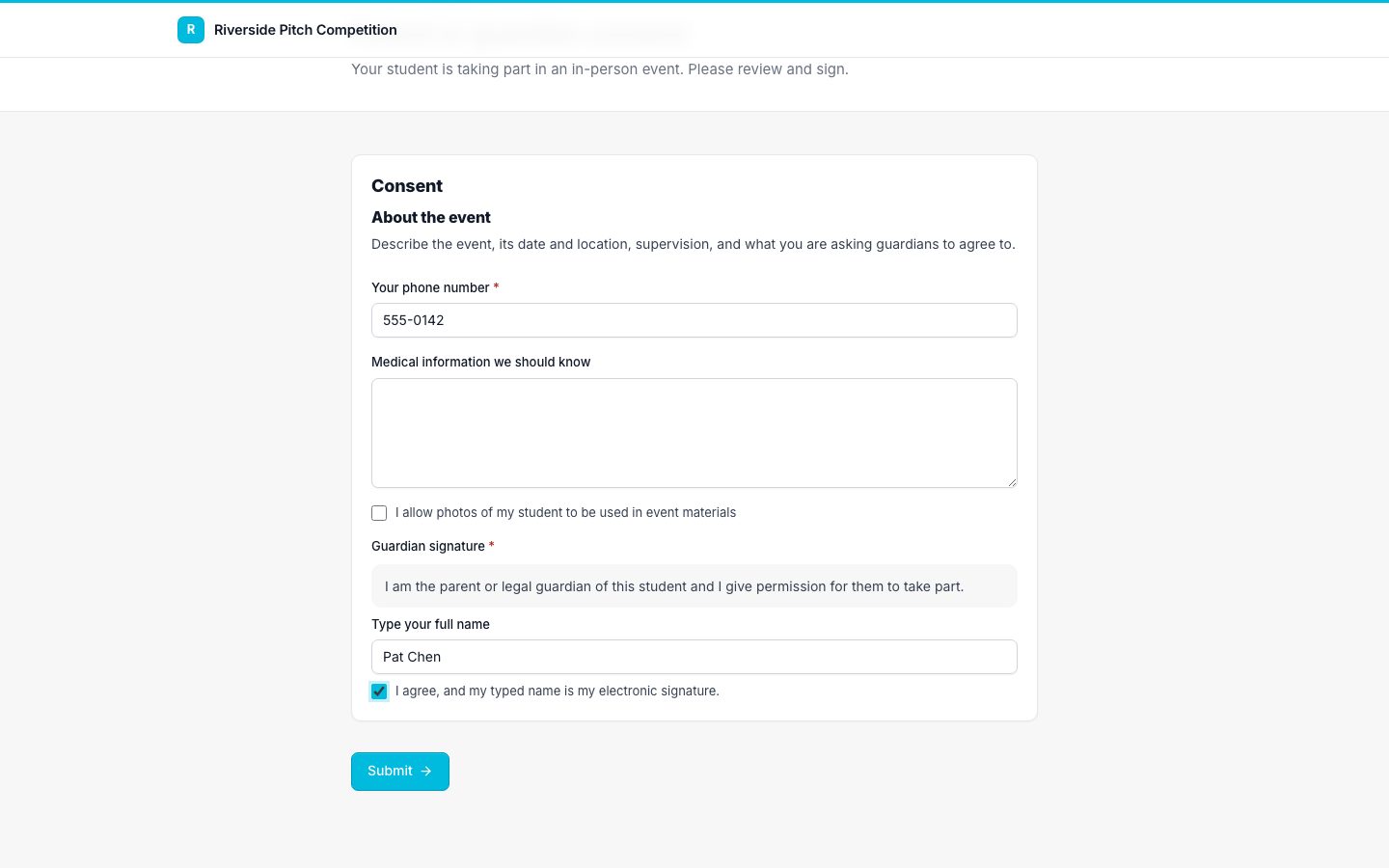
Once a team has a pitch time, send the in-person RSVP and, for high school teams, a parent or guardian consent form. Set these forms to send automatically when a team reaches the right stage, and to move the team forward when they are complete. The whole chain runs on its own once it is set up.
6. Run the day from a schedule, not a spreadsheet
On the day, the form's schedule view shows every slot and who holds it, and the responses export to CSV for your run sheet and badge printing.
Applicantly includes a Student pitch competition template with this setup ready to edit.