Introducing Operator: an AI assistant for the people who run programs
Operator lives inside your staff workspace. Ask it what is happening in your program or tell it what to change, and it does the work after you allow it.
Running a competition, scholarship, or cohort program means a thousand small jobs: add a question to a form, open another day of pitch times, find out who has not answered, move a group of teams to the next round. None of them are hard. All of them take clicks, and they pile up in the weeks that matter most.
Operator is our answer to that pile. It is an AI assistant built into the staff workspace, and it can look things up and make changes across your forms, stages, and teams.
Ask in plain English
Open Operator from the button in the corner of any staff page and type what you need. A few things directors ask it:
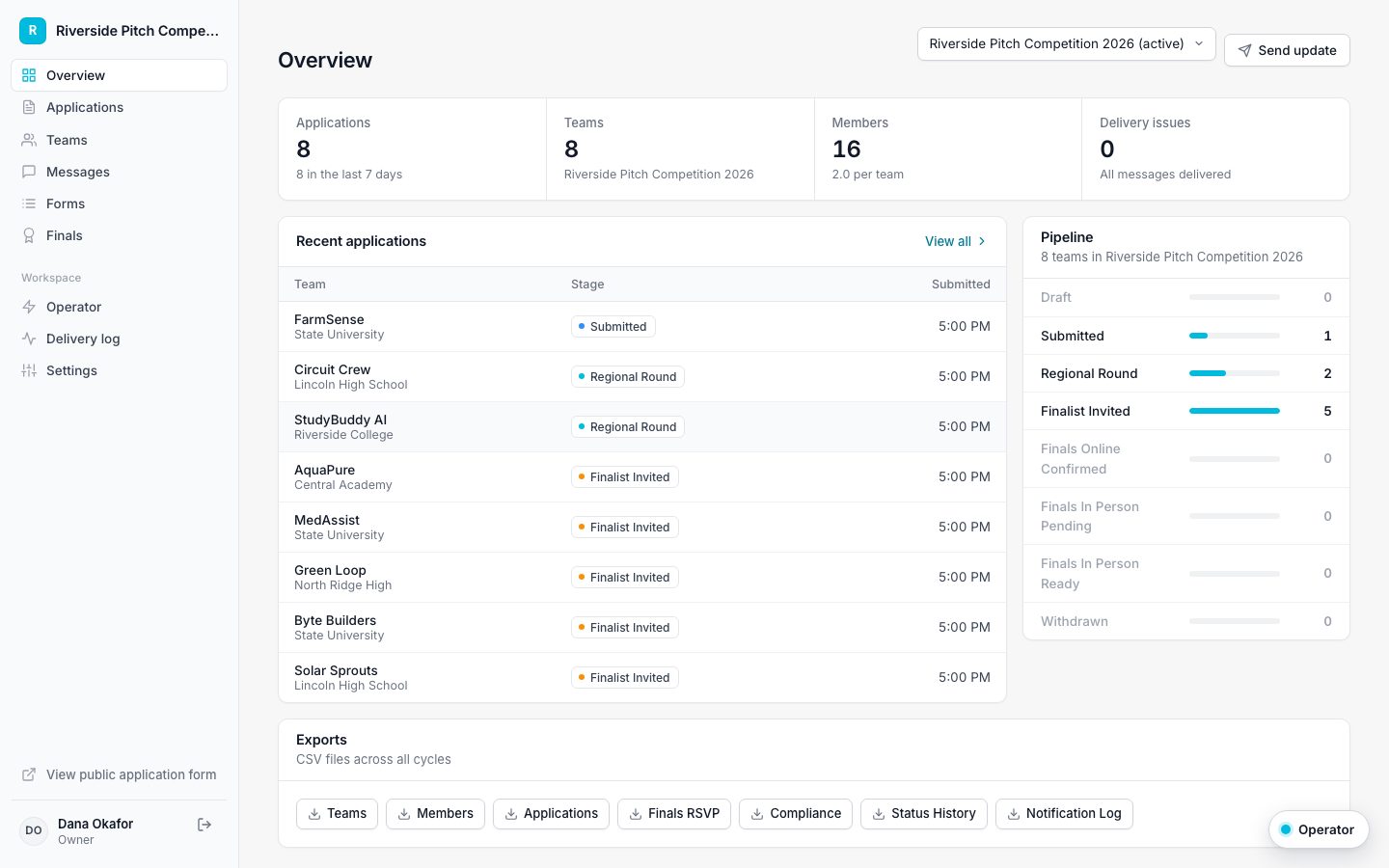
- Which finalists have not picked a pitch time yet?
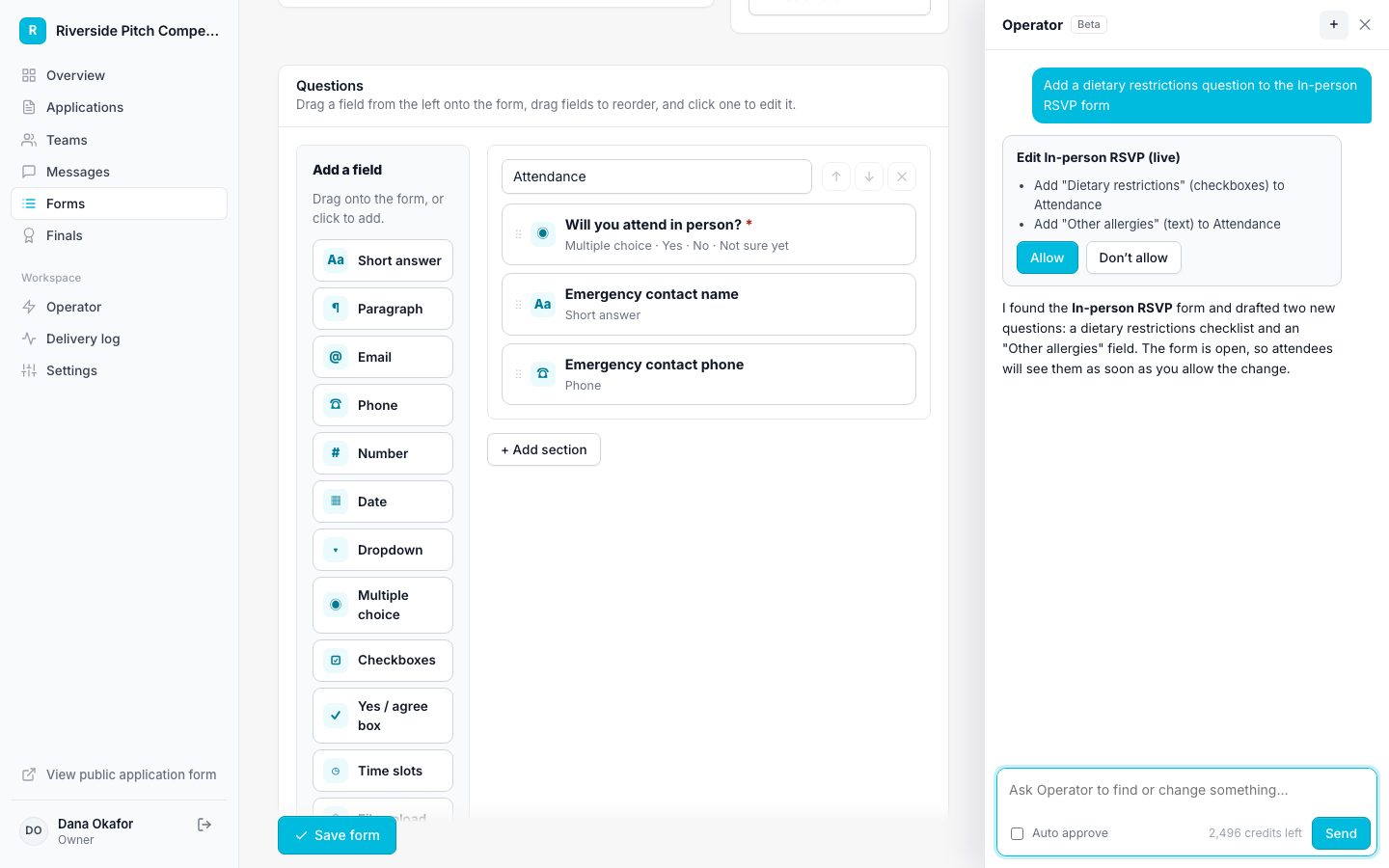
- Add a dietary restrictions question to the in-person RSVP.
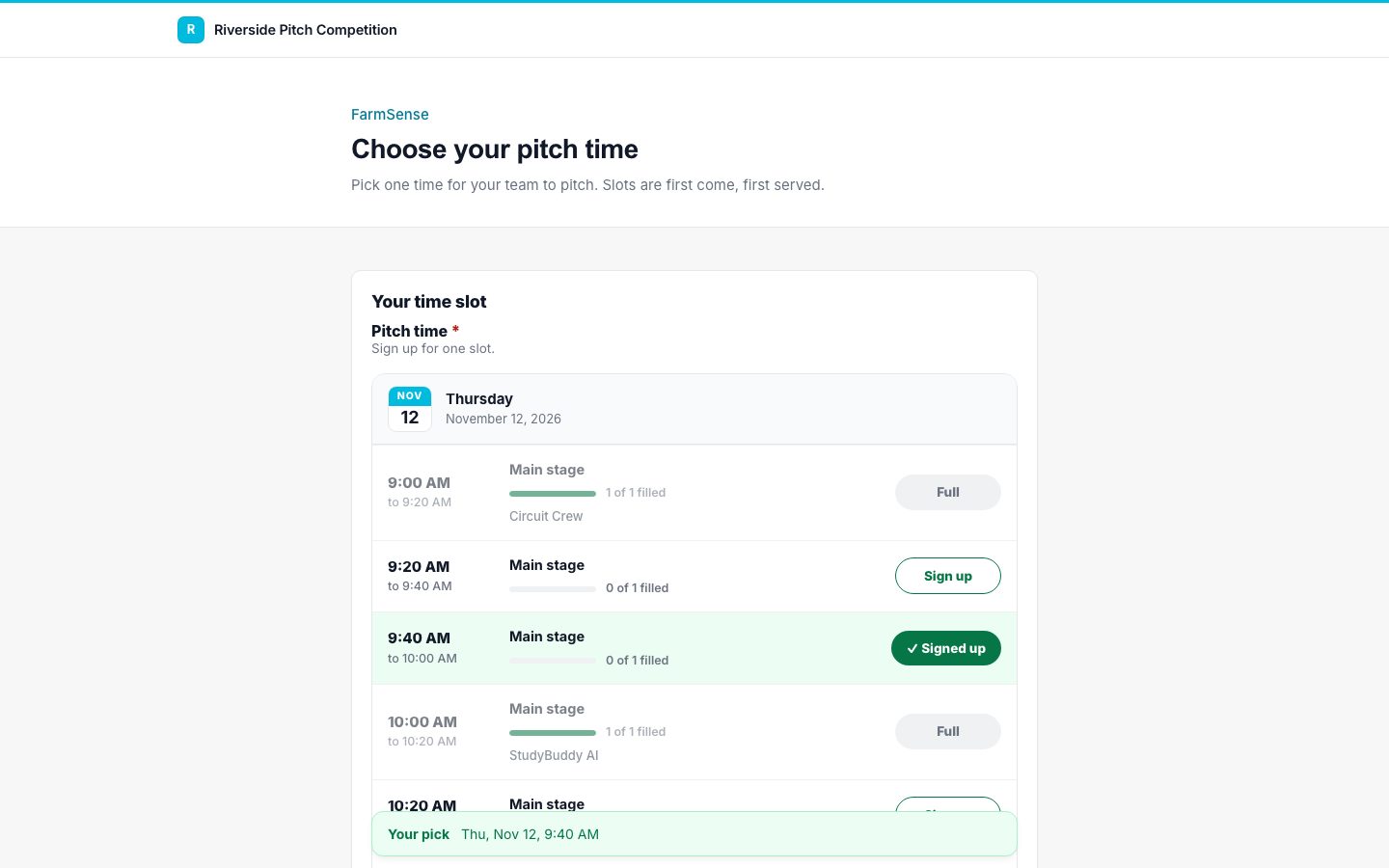
- Add 15-minute slots on November 12 from 9 to noon, two teams per slot.
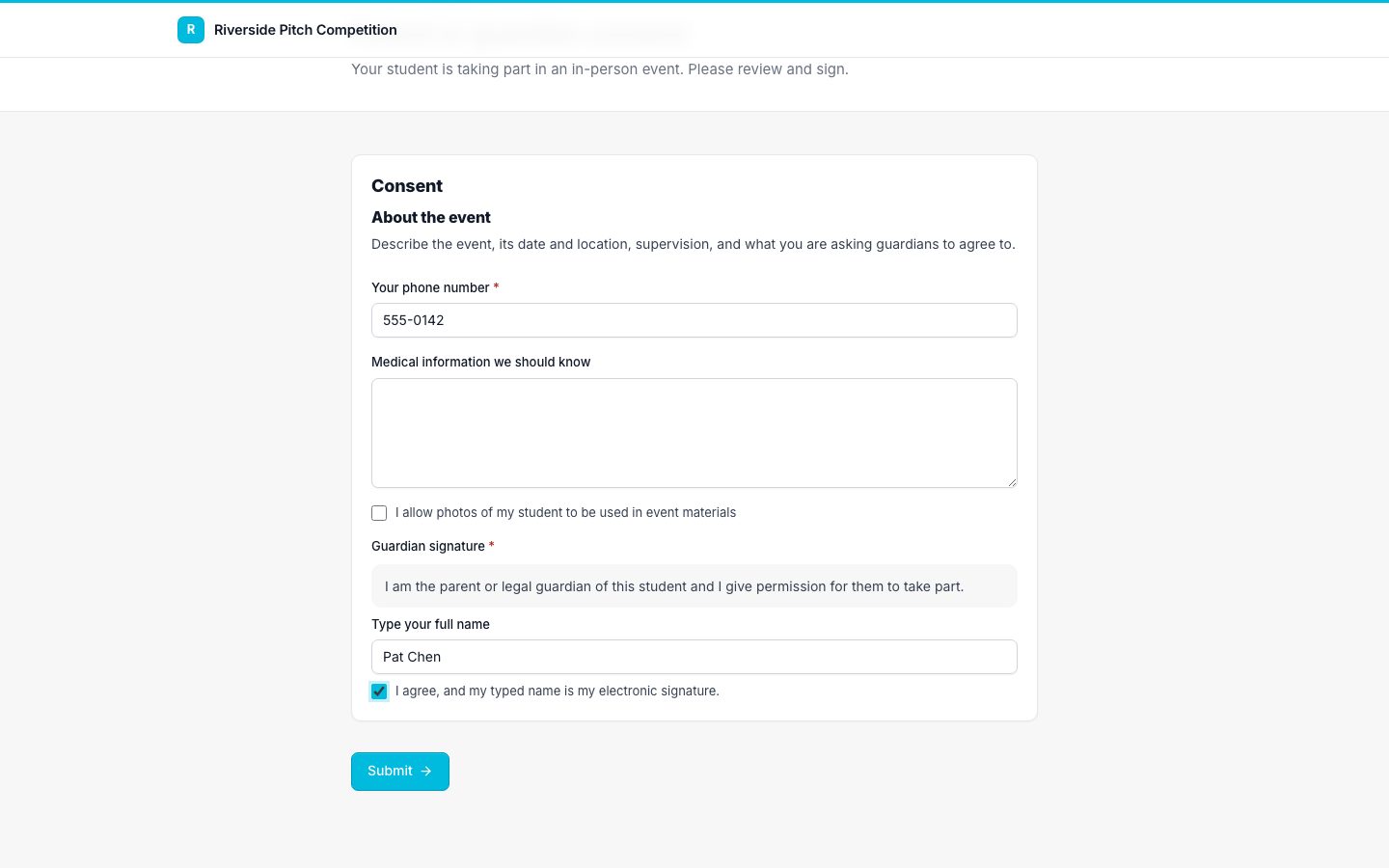
- Create a parent consent form and send it when teams become finalists.
- Rename Regional Round to Semifinal.
Operator looks up what it needs first, such as the form's current questions or the stage names you actually use, so it never guesses at your setup.
You stay in control
Every change Operator wants to make appears as a card with a plain description and two buttons: Allow and Don't allow. Nothing changes until you click.
For routine work you can turn on Auto approve for a conversation. Even then, anything that emails people, broadcasts, or removes something still waits for you. Operator also edits forms with small, precise changes, such as adding one field, rather than rewriting them, so a request cannot quietly drop a question you needed.
For staff, too
Directors can turn Operator on for staff. Staff get exactly what their role allows in the app: looking things up, sending forms, moving teams, and broadcasting. Building forms, time slots, and stages stays with directors.
Included in every plan
Each plan includes a monthly allowance of AI credits for Operator and AI form import: 500 on Starter, 2,500 on Pro, and 10,000 on Enterprise. A typical request uses 1 to 5 credits, and you can see what you have used on your billing page and in the Operator panel.
Start small. Ask Operator a question you would normally answer by scrolling a table, then try a change you would normally make by hand.