Designing review stages that match how your program actually works
How to name, order, and automate the stages applicants move through, so the right forms and messages go out at the right time.
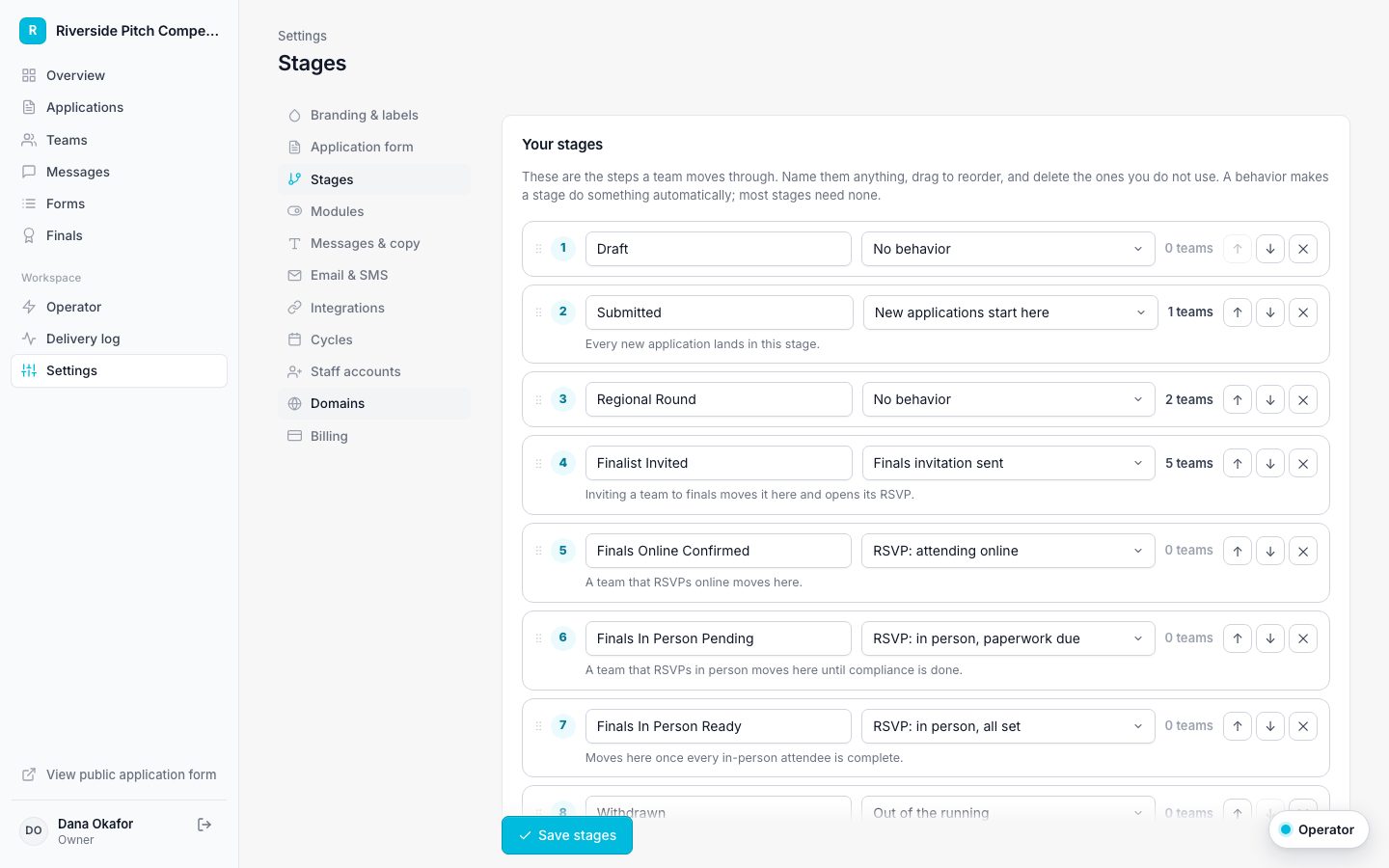
Stages are the backbone of a program. They decide what applicants see in their portal, who gets which announcement, and when each form goes out. Getting them right early saves rework all season.
Name stages after decisions, not tasks
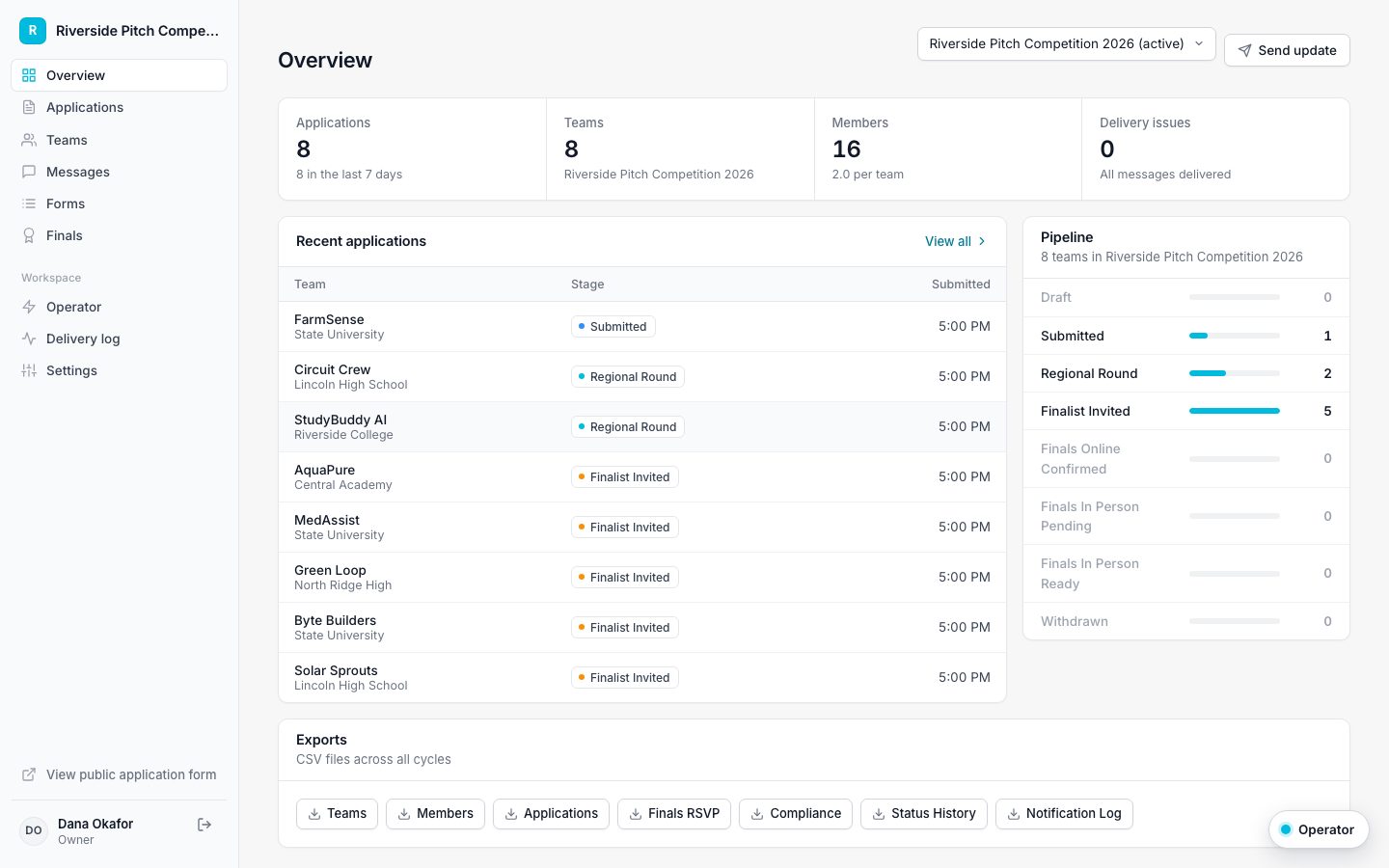
Good stages describe where someone stands: Submitted, Shortlisted, Finalist, Awarded, Not selected. Avoid stages that describe staff work, such as Needs second read, which belong in your review notes instead.
Keep the main path short
Five to seven stages on the main path is plenty. Applicants see their progress as steps, and a long list makes the journey feel longer than it is. Put exits such as Withdrawn or Declined off the main path, and mark them as out of the running so they stay off the applicant's progress tracker.
Attach forms to stages
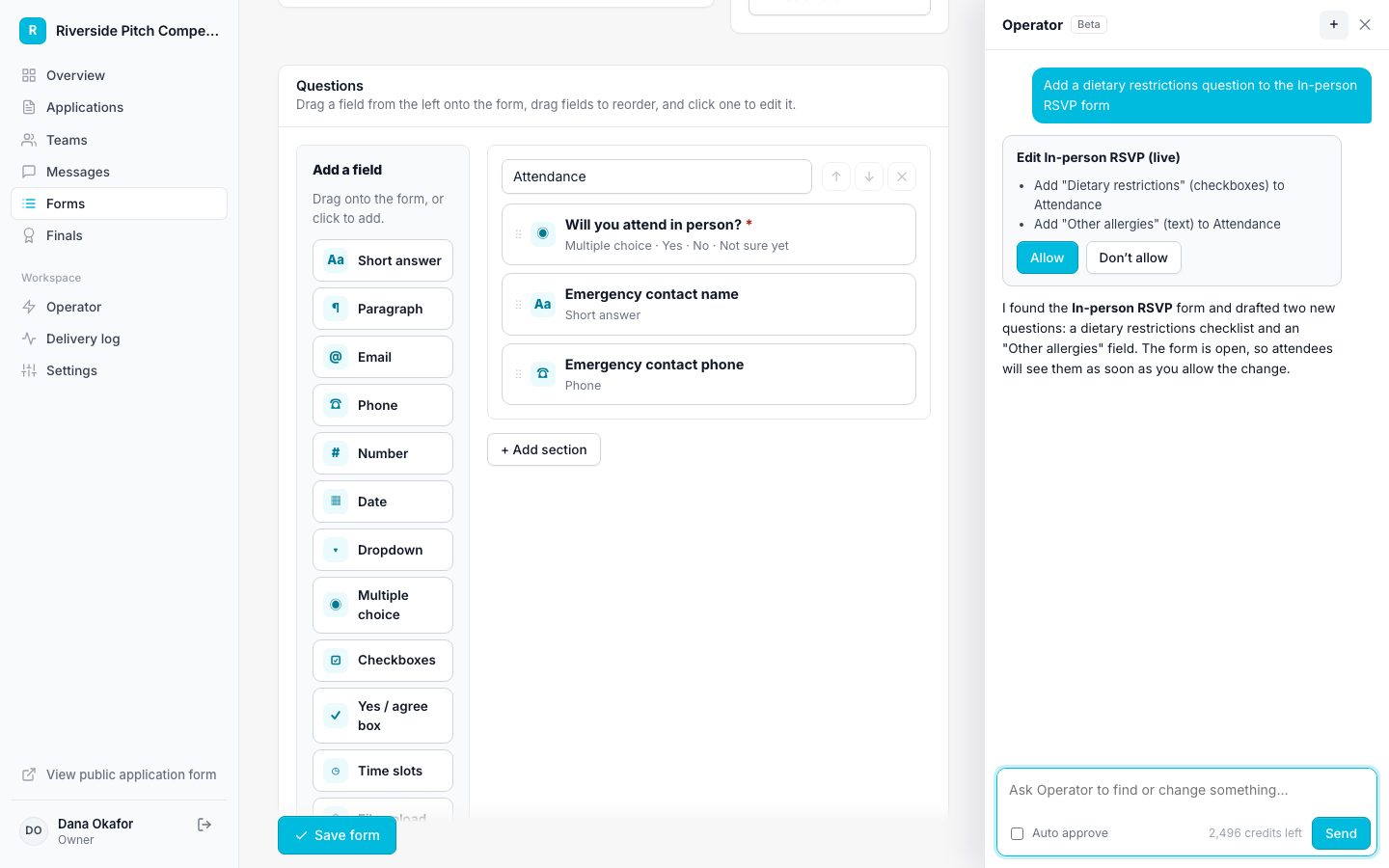
Each follow-up form can send itself when a team enters a stage, and move the team to the next stage when it is complete. A pitch competition might chain them like this:
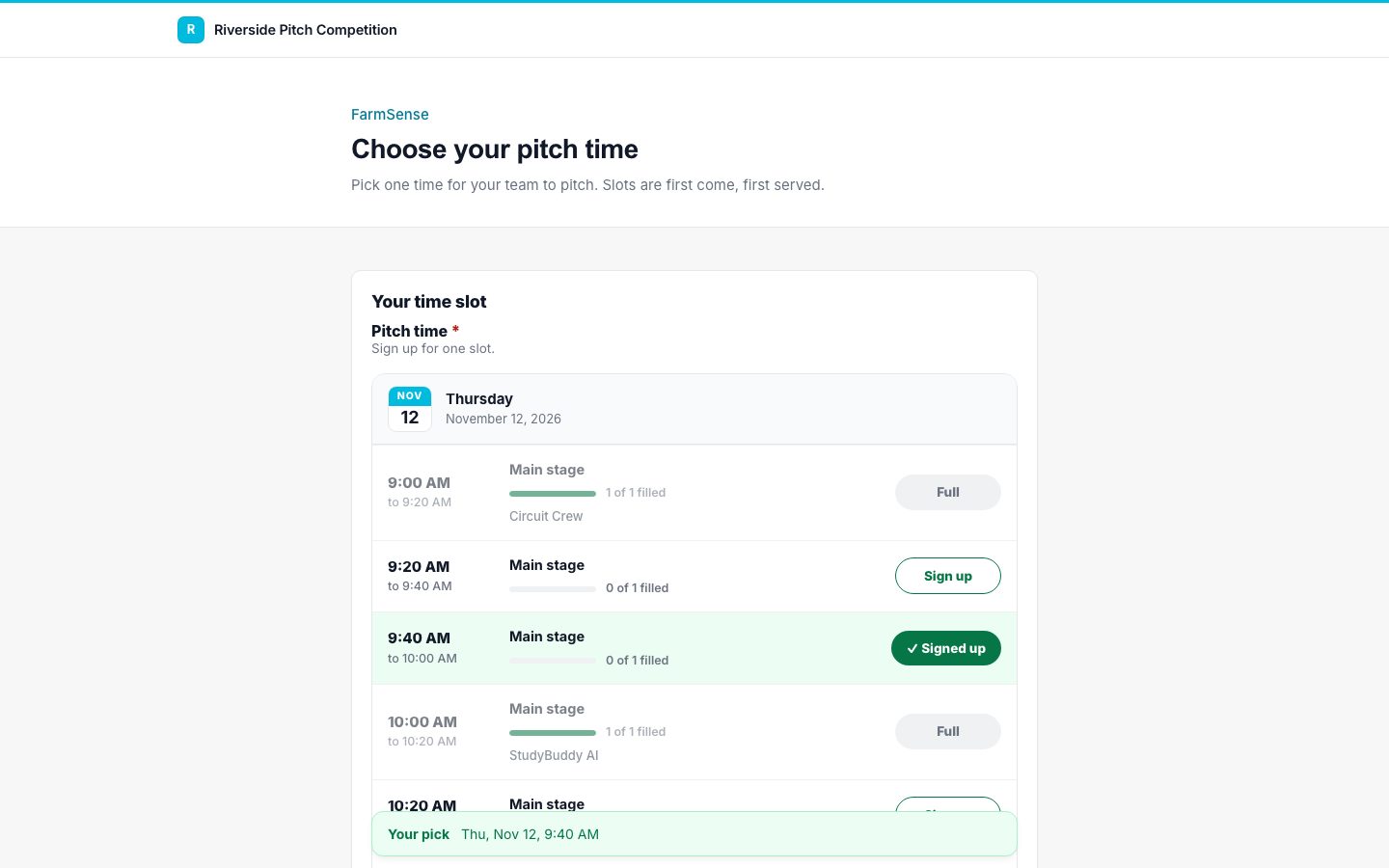
- Finalist sends the pitch time sign-up.
- Booking a slot moves the team to Pitch scheduled.
- Pitch scheduled sends the in-person RSVP and the guardian consent form.
- Completing both moves the team to In person, all set.
Change course mid-season
You can rename a stage at any time and teams stay where they are. If you remove a stage that still has teams, you choose where they move first, and every move is recorded in the team's history.