Customize your stages
Rename, reorder, add, and remove stages, and attach behaviors.
Open Settings, then Stages.
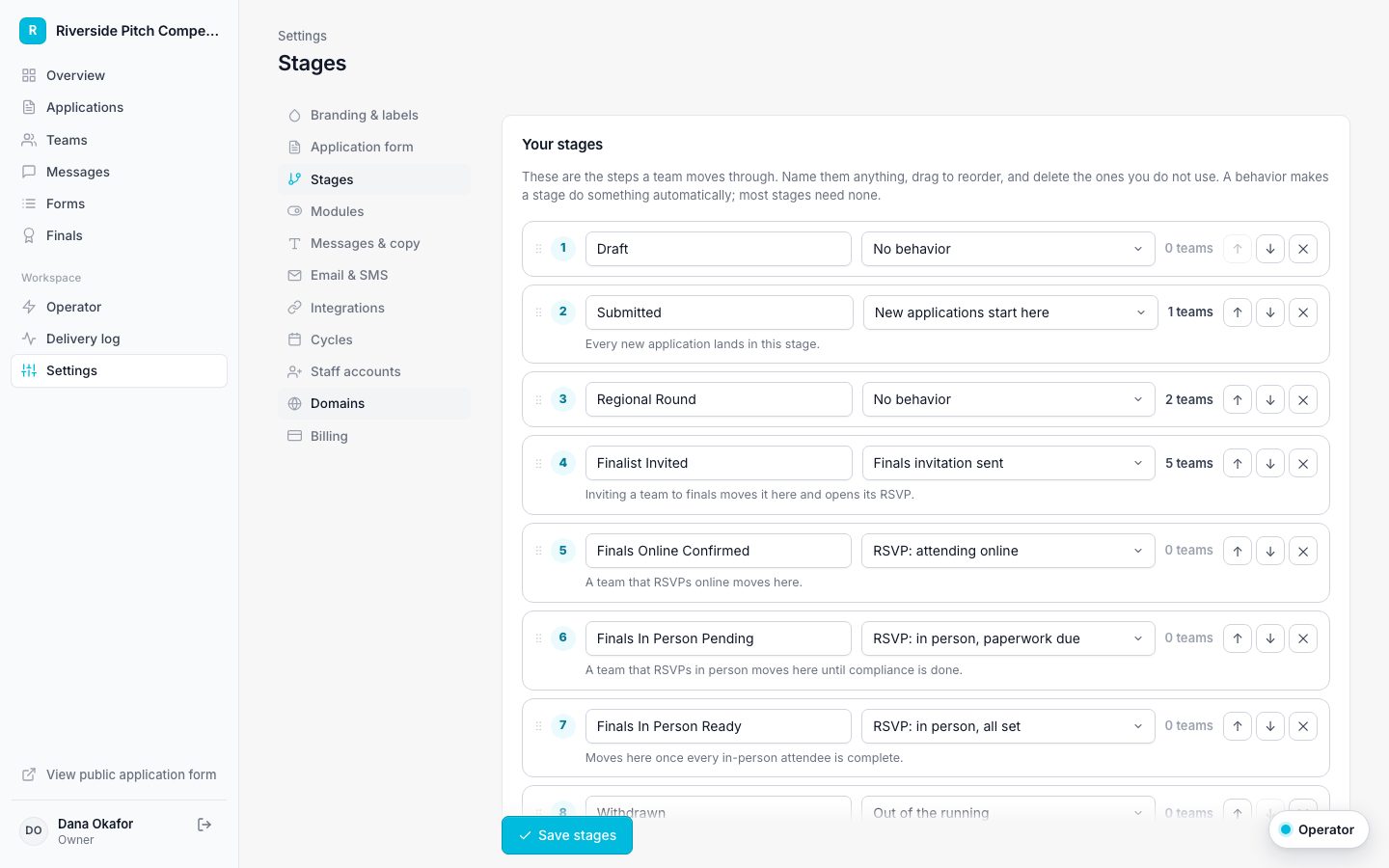
- Drag stages into order, or use the arrows.
- Rename any stage by typing over its name.
- Click Add stage for a new one.
- Pick a behavior when a stage should do something, such as New applications start here or Finals invitation sent.
- Delete stages you do not use. If teams are in a removed stage, choose where they move.
- Save stages.
While Finals RSVP is on, its four RSVP behaviors must each be on a stage. Turn the module off in Modules if you do not run finals.