Moving your application form off WordPress: Forminator and Gravity Forms
How to bring an existing Forminator or Gravity Forms application into Applicantly, what converts automatically, and what to check before you go live.
Many programs start with a form plugin on their WordPress site. It works until the program grows: submissions land in an inbox or a spreadsheet, and every follow-up happens by hand. Moving the form into a portal keeps the questions you already have and adds everything that comes after.
Export the form
- Forminator: open Forms, use the form's gear menu, and choose Export.
- Gravity Forms: open Forms, then Import/Export, then Export Forms.
Import it
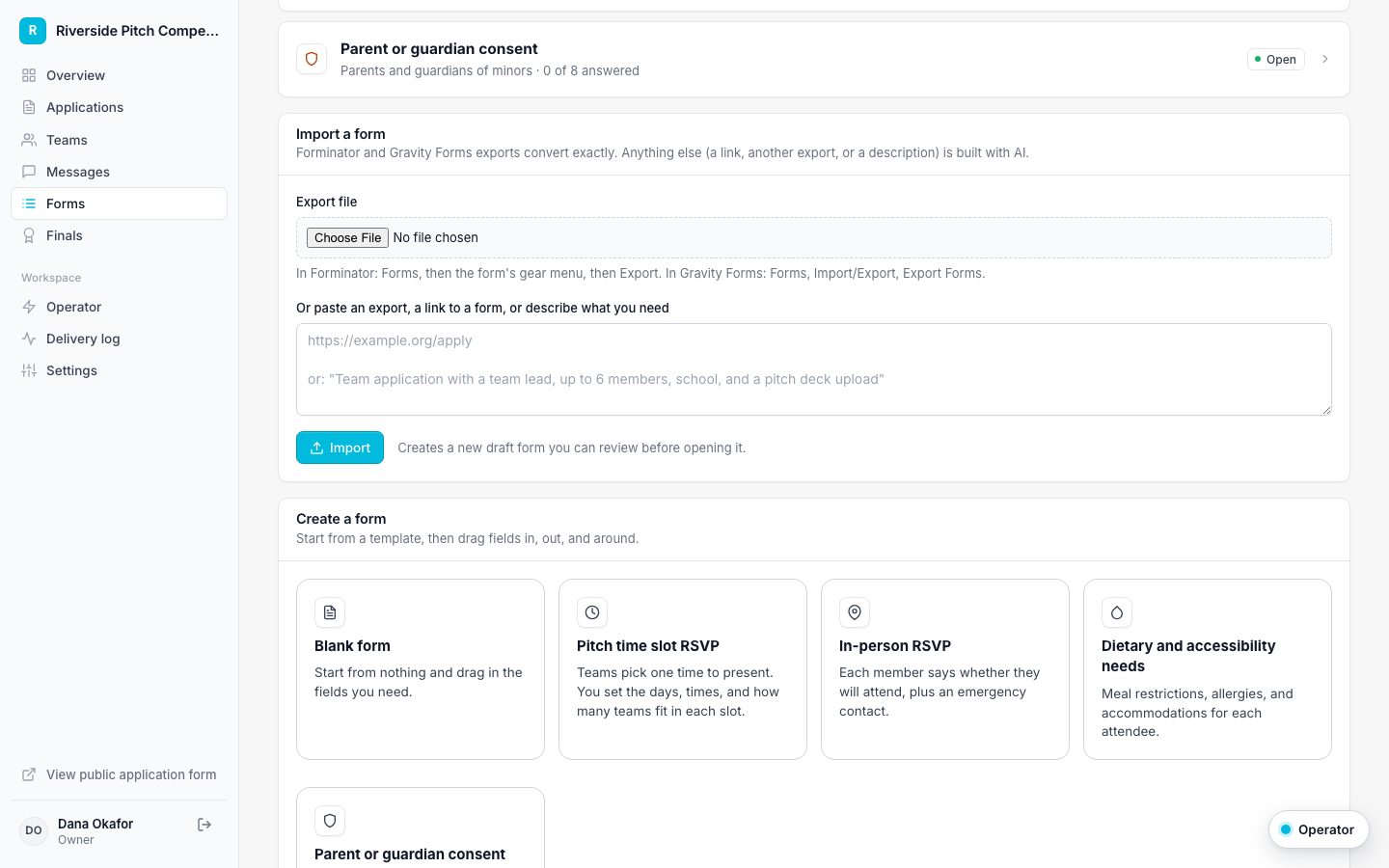
Upload the file under Import a form, either on the Forms page for a new form or under Settings, Application form for your main application. The conversion is exact, not a guess: each field becomes the matching field type, choices come across, and required fields stay required.
- Name and address fields split into separate parts
- Section breaks and steps become sections
- Repeated blocks such as Team Member 1, 2, and 3 become repeating member rows
- Captchas, payment fields, and hidden fields are skipped, with a note telling you so
Check where answers go
For an application form, the importer also guesses which fields create accounts, such as the team lead's email, the team name, and each member's email. It lists every guess so you can confirm it in the builder before saving.
Conditional logic is not imported. The importer says so, so you can rebuild anything that depended on it.
Not on Forminator or Gravity Forms?
Paste a link to any public form, paste another tool's export, or describe the form in a sentence. AI builds a draft, which is checked by the same rules as the builder before you see it.
Keep the old form running while you switch
If you need the WordPress form live during a transition, a small forwarder plugin can send its submissions into your portal through the intake API, with duplicates ignored.