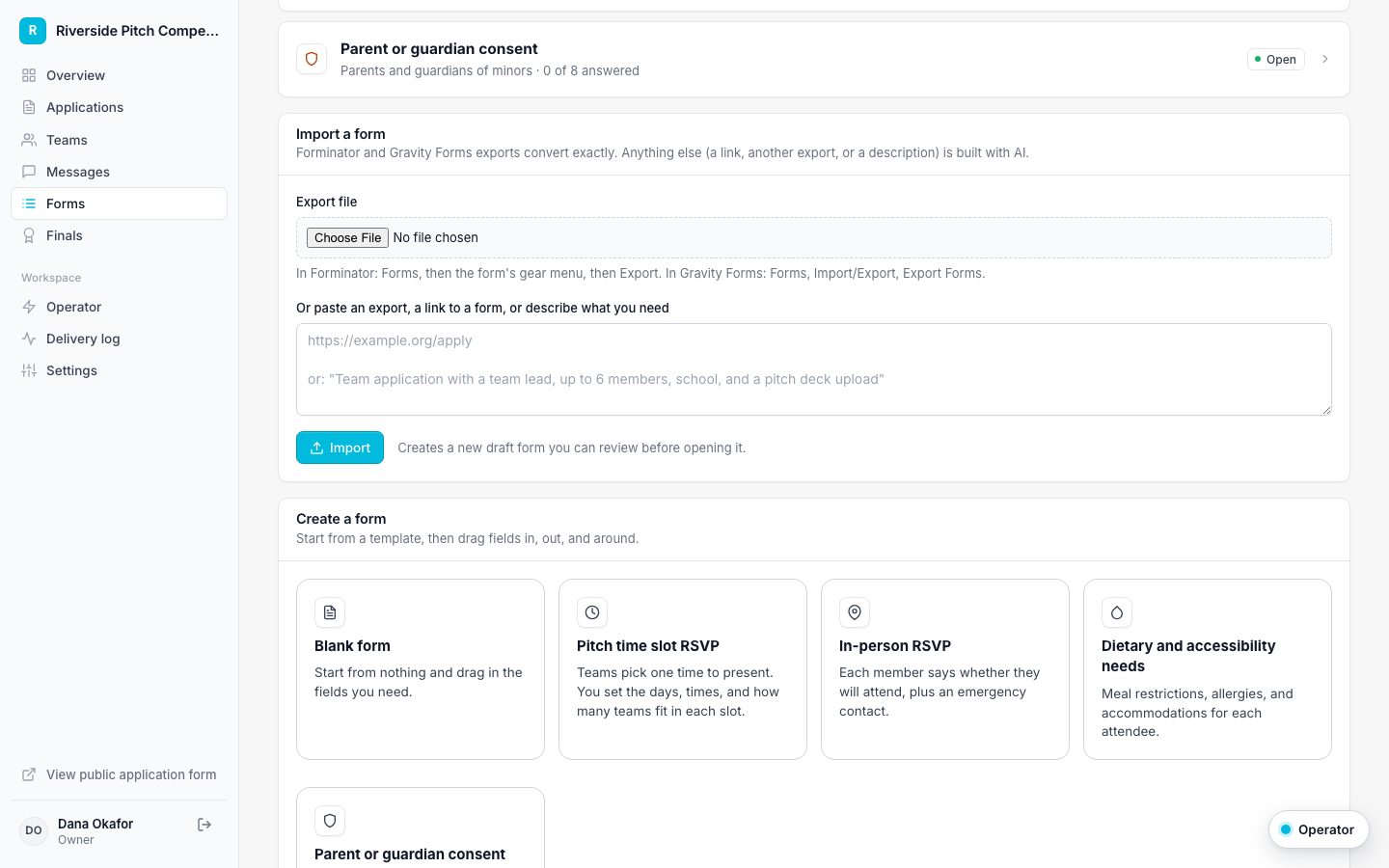
Import a form from Forminator, Gravity Forms, or anywhere
Convert existing forms instead of rebuilding them.
You can import into the application form (Settings, Application form) or create a new follow-up form (Forms).
Forminator or Gravity Forms
- Export the form: in Forminator use the form's gear menu and Export; in Gravity Forms use Forms, Import/Export, Export Forms.
- Upload the file under Import a form, or paste its contents.
- Review the result. The importer lists anything it skipped, such as captchas or conditional logic, and how it mapped answers.
- Save when it looks right.
Anything else, with AI
Paste a link to a live form, paste another tool's export, or describe the form you want. AI builds a draft that is checked by the same rules as the builder. AI imports use AI credits.