Add your logo, colors, and terminology
Make the portal and emails look and sound like your program.
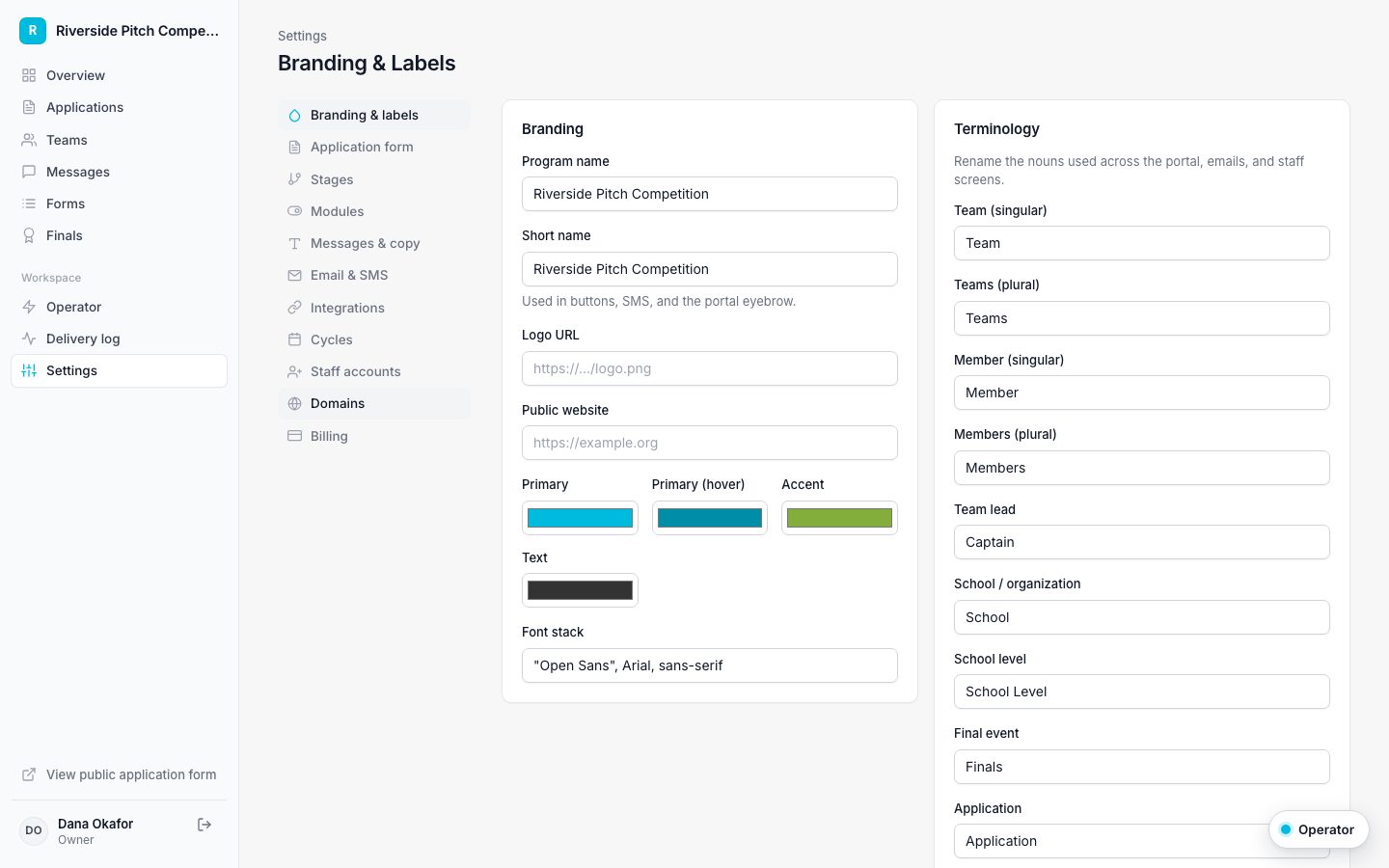
Open Settings, then Branding & labels.
- Enter your program name and a short name for buttons and texts.
- Add a logo URL and your website.
- Pick your primary, hover, and accent colors.
- Under Terminology, rename Team, Member, Captain, School, Finals, and the other terms to match your program.
- Save. The portal and every email update right away.