Send a form and track responses
Email personal links and see who has answered.
- Open the form from Forms.
- Under Send this form, choose the stages whose teams should receive it.
- Click Send form. People who already have the link are skipped unless you choose resend.
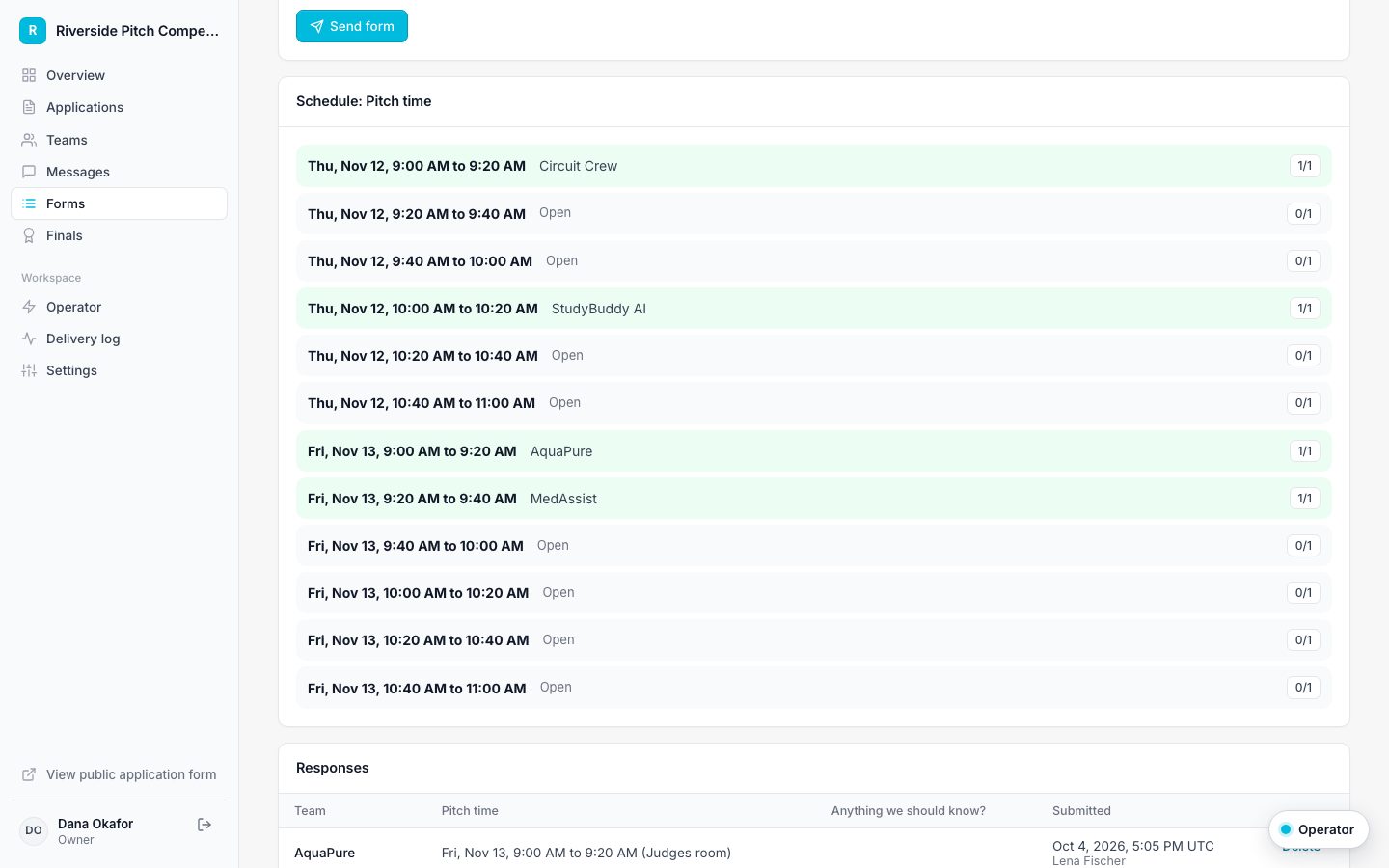
- Watch responses, the schedule for time slots, and who you are still waiting on. Export everything to CSV.