Set up a time slot sign-up sheet
Let teams book pitch times, interviews, or judging windows.
- Create a form from the Pitch time slot RSVP template, or add a Time slots field to any form.
- Click the time slot field. Under Days and times, pick a day, a start and end time, the slot length, and spots per slot.
- Optionally name the slots, such as a room, then click Add slots. Repeat for other days.
- Set how many slots each respondent can take and whether to show who signed up.
- Open and save the form, then send it.
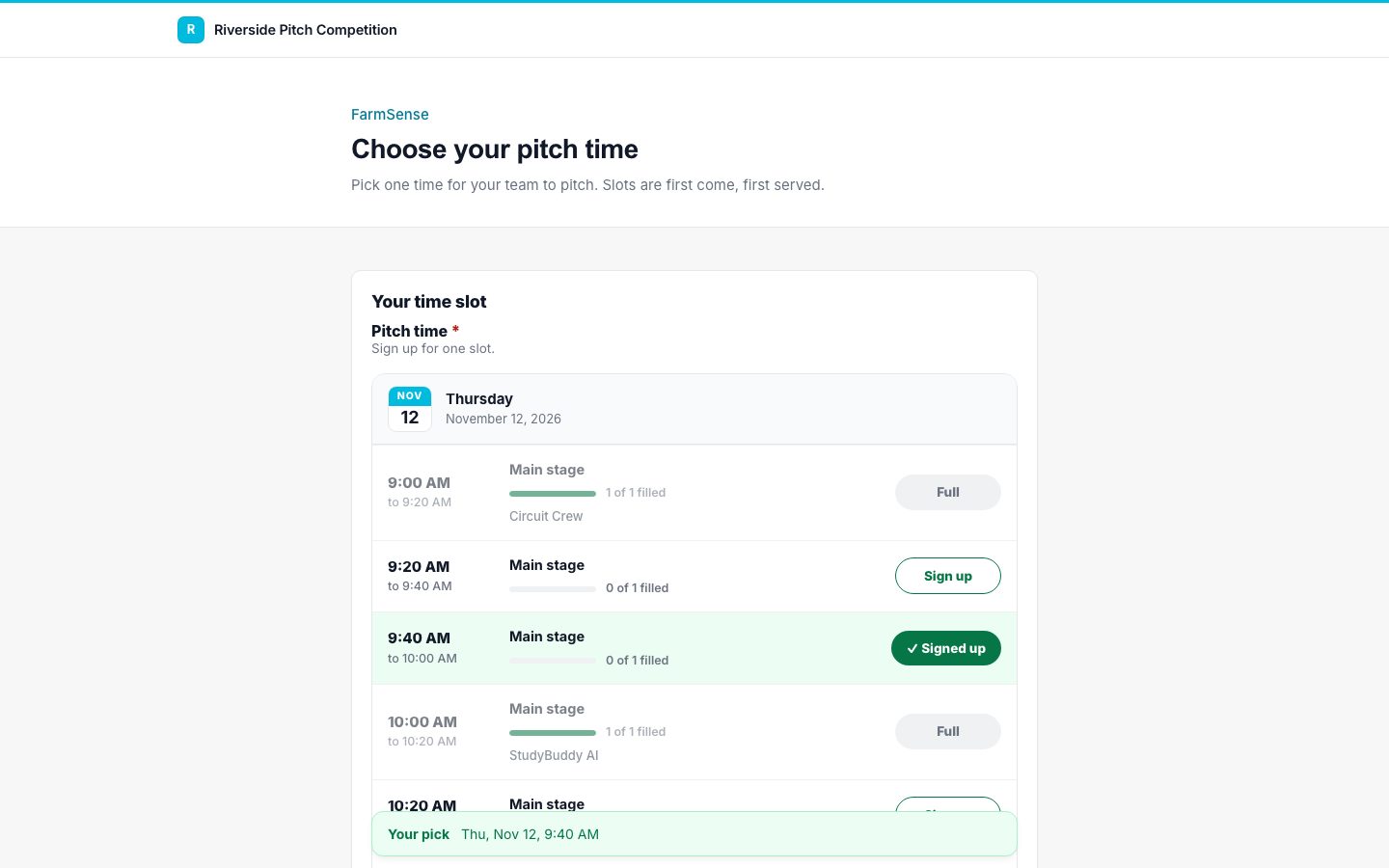
Each booking is checked and saved in one step, so a slot can never be overbooked.